iPhone & Android
The whole shop in your pocket.
Take a photo at the show table, check the result and see the price. Print the label, mark it sold, send an invoice. Everything stays on the same record as Reliqra Cloud.
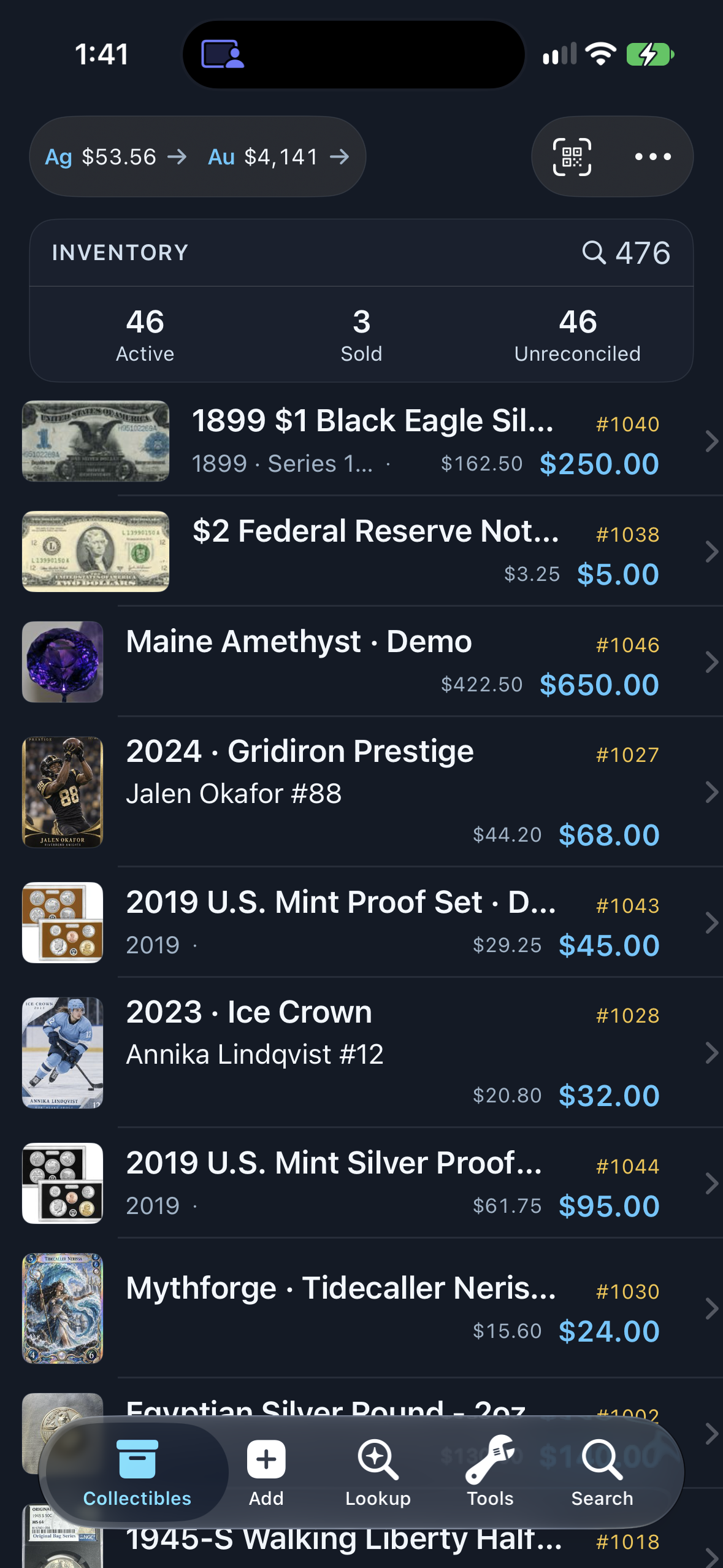
New in Reliqra 3.0
Five tabs, in the same order on both phones.
Collectibles, Add, Lookup, Tools and Search. Lookup brings Photo, Price and Cert together, and a photo result gives you Add to Inventory and Add to Wanted with the form already filled in.
- Clear about cost. On iPhone, steps that cost a lookup say so before you tap.
- Coins, notes, bullion, proof sets, cards and comics. Each result shows what matters for that type. Gems are entered by hand.
- Runs out? You choose. Running out of lookups opens your upgrade options.
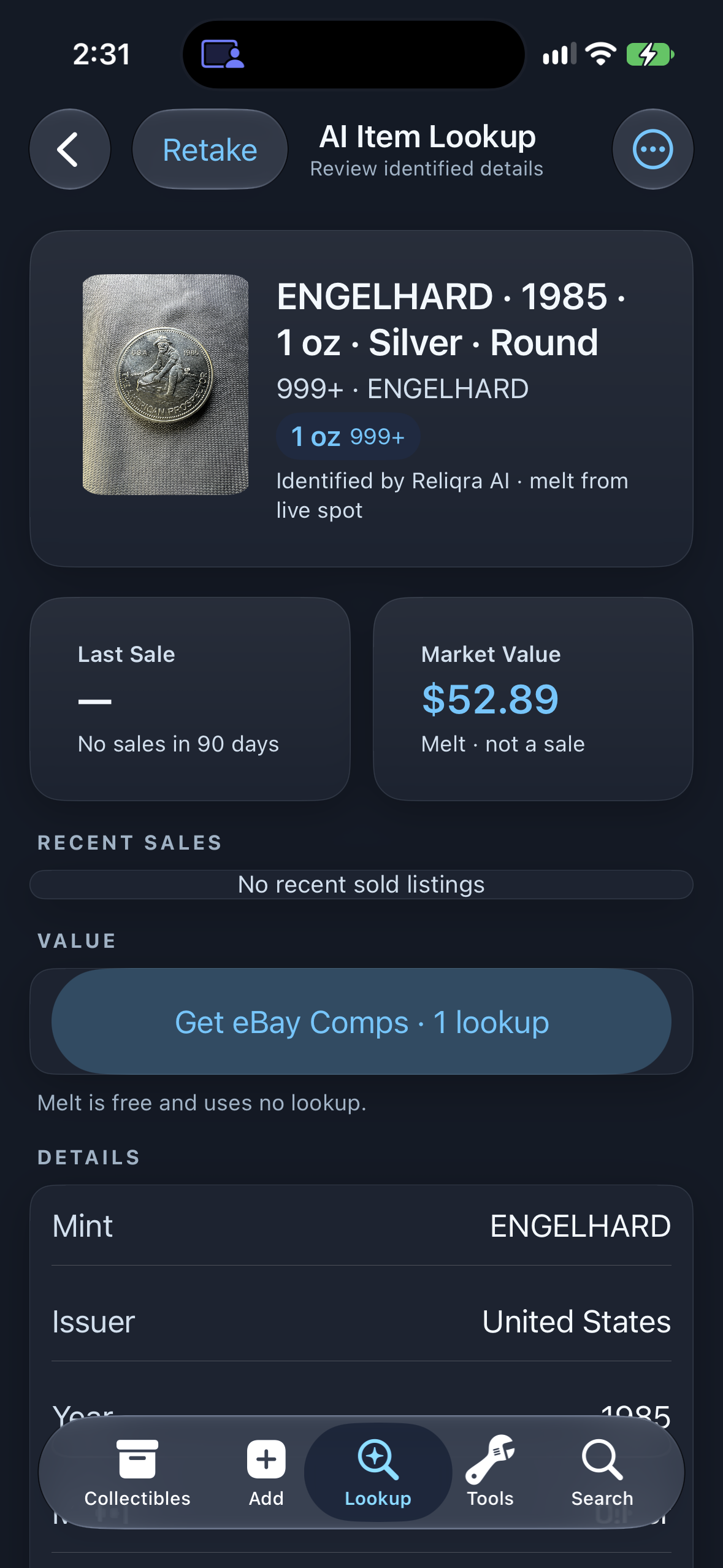
New in Reliqra 3.0
Choose the sport in Add.
Choose the sport, scan the card, and pick from CardSight's matches. Graded Values separate CardSight sale medians from estimates, where available.
- Six sports. Baseball, basketball, football, hockey, soccer and MMA.
- You confirm the match. Nothing is saved until you pick it.
- Other cards too. On iPhone and Android, Pokémon and other card games use AI identification. AI identification is a tap that uses 1 lookup (from the 500 on Pro), and an attempt that can't identify the card is free.
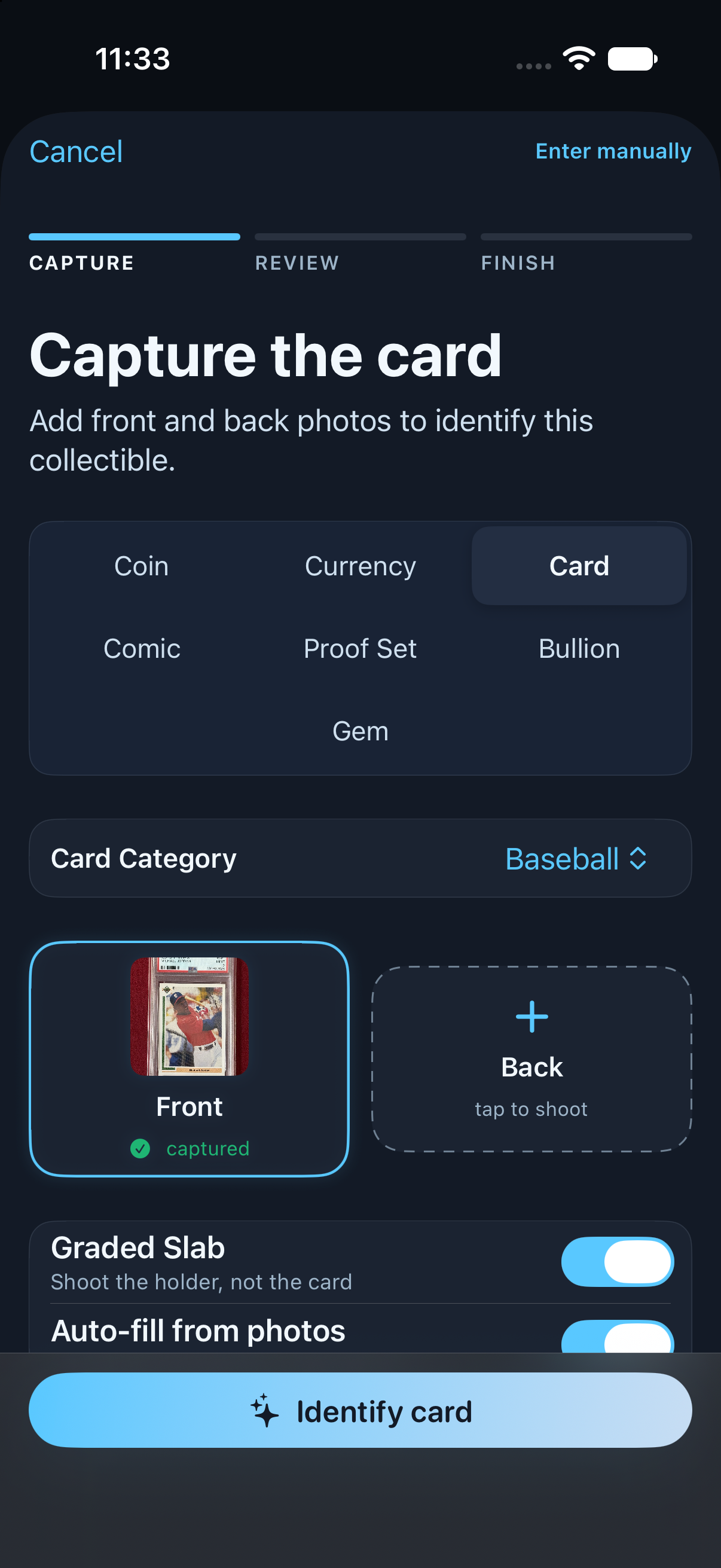
See values by grade
After you confirm a CardSight match, Graded Values lists values by grade and highlights your card's grade. Some rows are estimates rather than recorded sales.
What You Can Do
Built for the bourse floor and the shipping bench.
Find the item behind the label
Scan a Reliqra item-label QR code to find its inventory record or mark the item sold. An item label is different from an invoice payment QR; scanning it does not confirm payment.
Scan to Sell
Scan any Reliqra label to find the item or mark it sold.
Invoices with QR pay links
Build an invoice from inventory and share its payment link by QR code or email. Card payments require Stripe setup. Check the payment result before treating an invoice as paid; scanning the QR code alone does not confirm payment.
Invoices With QR Pay Links
Build an invoice from inventory and show a QR the buyer scans to pay. Online payment needs Stripe set up. Cash and check are recorded the same way.
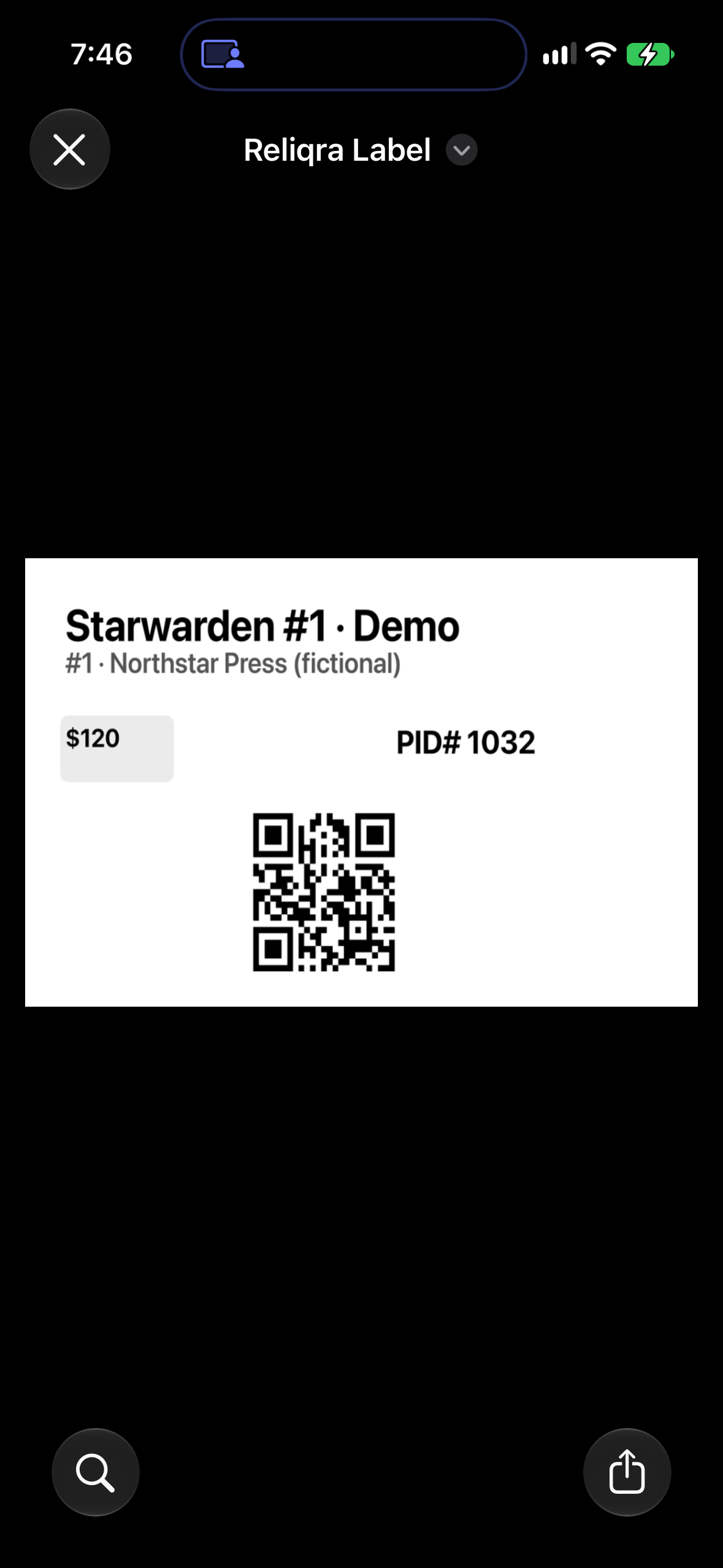
Labels That Fit
Print QR labels to AirPrint printers on iPhone or through your Android print service. Android can also print directly to a DYMO LabelWriter Wireless or 550.
Selling
List from your phone.
- Bulk-list to your Whatnot shop. On iPhone, select items, then More Actions › List on Whatnot. On Android, choose ⋯ › Select For Whatnot. Connect Whatnot in Reliqra Cloud first.
- List eligible items to eBay. Connect eBay, complete the item's category and condition requirements, then review its listing readiness.
- Marketplace Defaults. Set your Listing Markup in the Marketplace Dashboard.
- Cleaner rows. Each item type shows the details that identify it.
List from iPhone
Select eligible items, then choose More Actions › List on Whatnot. Connect your Whatnot seller account in Reliqra Cloud first. Each item needs a photo, a price and a supported category. A gem needs its Origin set (diamond simulants can't be listed). Listings are Buy It Now in your shop. Listing to shows and auctions is on the way.
List from Android
Choose ⋯ › Select For Whatnot, then List on Whatnot. Connect your Whatnot seller account in Reliqra Cloud first. Each item needs a photo, a price and a supported category. A gem needs its Origin set (diamond simulants can't be listed). Listings are Buy It Now in your shop. Listing to shows and auctions is on the way.
SLABS
Reads the Slab
Reliqra reads grade, service and cert from the label and says it was read from the slab, not checked with the grader.
TOOLS
The Whole Drawer
Live Metal Prices, Melt Guard, Pricing Lookup, Certification Checker, Mass Edit, Reconciliation and CSV Exports.
YOUR WAY
Wanted and Default Sort
Keep a Wanted list next to your inventory, and set the order your list opens in.
Different types, one list.
Coins, currency, bullion, cards, comics and gems sit side by side, each with its own details.